











Play Sims 3 on Mac
The PC version, in your browser
The Sims 3 for Windows (Steam version) runs in a browser tab on your MacBook. Nothing to install: no EA app, no Boot Camp, no Parallels.
Play in your browserMade for Mac. Also runs on Windows, Linux and Chromebooks.
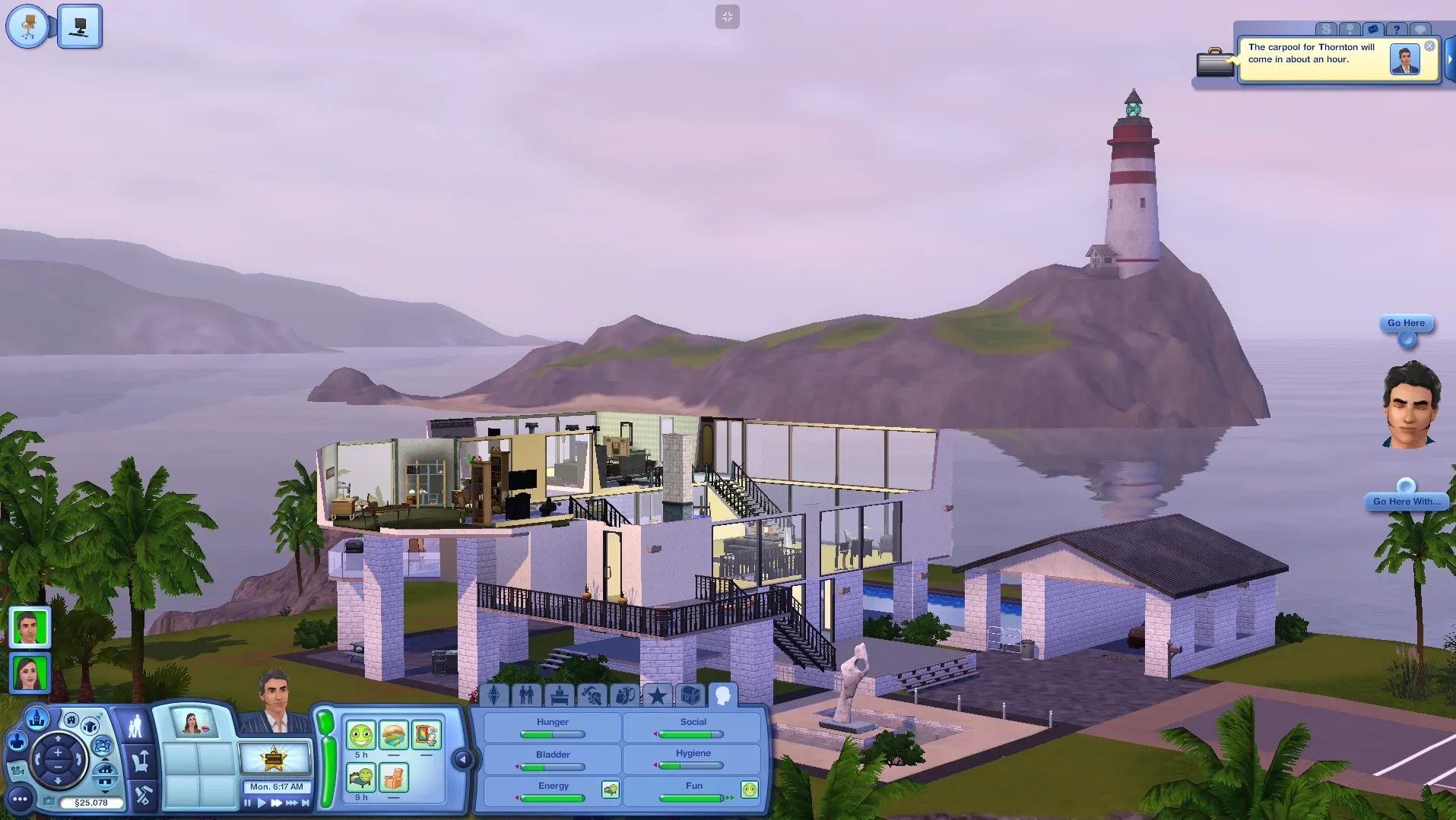
The PC (Steam) version
EA's Mac version of The Sims 3 is a separate build with problems of its own. This is the Windows game, so they do not apply.
| The Sims 3 for Mac | The Sims 3 here | |
|---|---|---|
| Apple silicon | Built for Intel. On M-series Macs it runs through Rosetta 2. | Runs in the browser. No Rosetta. |
| .sims3pack files | On macOS 15.4 and later the launcher crashes when it opens them, so they do not install. | Install in the game's launcher, as on a PC. |
| Create a World Tool | Windows only. Never released for Mac. | Opens in the same browser tab. |
| Getting the game | Only through the EA app. The Steam version is Windows only. | No sign-up. Nothing to install. |
Sources, checked in November 2026:EA Help on the Mac versionEA Forums on the launcher crashApple Support on Rosetta
All expansion packs The complete edition
The base game with all 11 expansion packs and all 9 stuff packs: what players call the complete collection. You choose which packs are on.








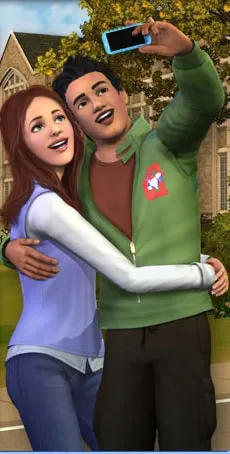
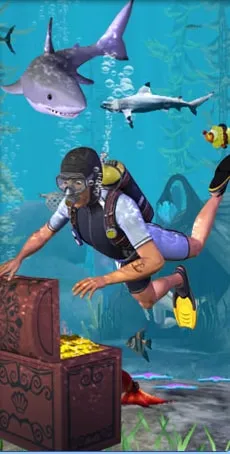

Expansion packs
- World Adventures
- Ambitions
- Late Night
- Generations
- Pets
- Showtime
- Supernatural
- Seasons
- University Life
- Island Paradise
- Into the Future
Stuff packs
- High-End Loft Stuff
- Fast Lane Stuff
- Outdoor Living Stuff
- Town Life Stuff
- Master Suite Stuff
- Katy Perry's Sweet Treats
- Diesel Stuff
- 70s, 80s, & 90s Stuff
- Movie Stuff
Not a remake Not a stream The original PC game
And it runs faster than the original: bug-fix mods come preinstalled, and the game's code is optimised.
How to start
Open it in your browser
On a Mac with 8 GB of memory or more. Chrome works best.
Press Play
No sign-up. The game starts loading into your browser: about 3 GB for the base game.
Press Launch
The game stays in your browser, so the next start is quick.
Sims 3 mods on Mac Drag and drop
No Mods folder to find in Finder and no Resource.cfg to set up. Drop your files onto the Mods page and the game loads them at its next start.
- .package files
- .sims3pack files
- Script mods
- zip, rar and 7z archives
- Whole folders
Create a World, on a Mac
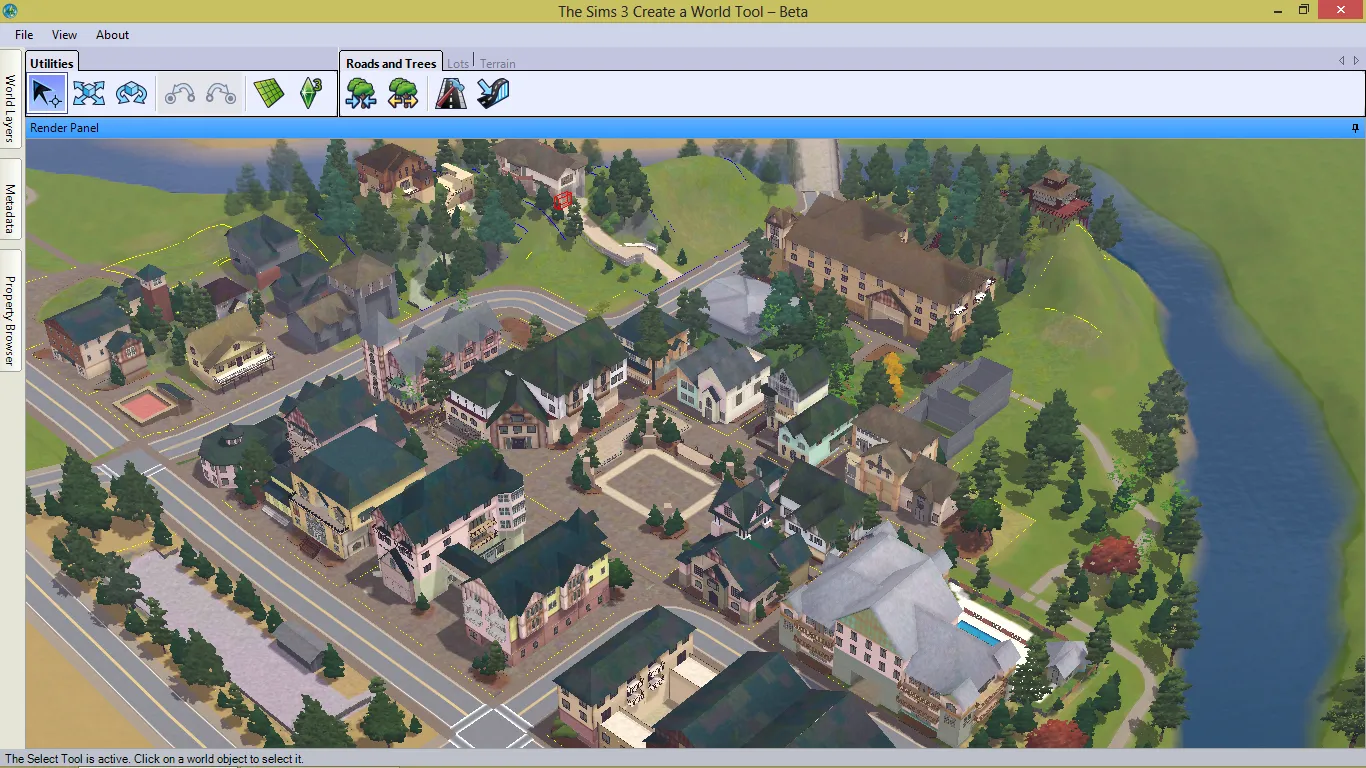
EA made Create a World Tool for Windows only. Here it opens in the same browser tab: sculpt terrain, lay roads, plant trees and place lots, then move your Sims into the town you made.
- Terrain
- Roads
- Trees
- Lots
More games in the same tab
They all run on EnjoyBrowser.ag.
 The Sims
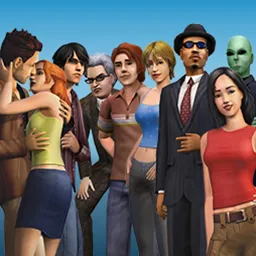 The Sims 2
 The Sims 3
 Spore
 Plants vs. Zombies
- And more
The Sims 3 on Mac: questions
Can you play The Sims 3 on a Mac?
Yes. Here the Windows version of The Sims 3 runs in a browser tab on your Mac. There is nothing to install: open the page and press Launch. No sign-up needed.
Does it work on Apple silicon MacBooks: M1, M2, M3 and newer?
Yes. The game runs inside the browser, so it does not go through Rosetta 2. You need a MacBook Air, a MacBook Pro or another Mac with 8 GB of memory or more. The Check device button under the games in the Library tells you whether your Mac will run it.
Is this the Mac version of The Sims 3?
No. It is the Windows PC version. EA's Mac version is a separate build for Intel processors: it is sold only through the EA app, and on macOS 15.4 and later its launcher crashes when it opens .sims3pack files.
What happens to The Sims 3 for Mac when Rosetta goes away?
EA's Mac version is an Intel app, so on Apple silicon it needs Rosetta 2. Apple says Rosetta is available through macOS 27 and, starting with macOS 28, only for some older games. Whether The Sims 3 is one of them is not known. The browser version does not use Rosetta.
Do I need Boot Camp, Parallels or CrossOver?
No. Nothing here runs Windows on your Mac: the game itself runs in the browser tab.
Do I need to download or install anything?
There is no installer and no EA app. The first time, the game loads into your browser: about 3 GB for the base game. It stays there, so the next start is quick.
Does it work in Safari?
It runs, but it may crash: Safari closes tabs that take a lot of memory, and The Sims 3 takes a lot. Chrome on your Mac is the safer choice.
Is it a stream, like cloud gaming?
No. The game runs on your own Mac, inside the browser. Nothing is sent to you as video.
Is it slower than the original game?
No, it runs faster. Bug-fix mods come preinstalled, and the game's code is optimised.
Can I play The Sims 3 with all expansion packs on a Mac?
Yes. All 11 expansion packs and all 9 stuff packs are here, from World Adventures to Into the Future. You choose which ones are on.
How do I install Sims 3 mods on a Mac?
Drop them onto the Mods page: .package and .sims3pack files, zip, rar and 7z archives, or whole folders. The game loads them at its next start. Script mods load too.
Can I use Create a World on a Mac?
Yes. EA released Create a World Tool for Windows only, but here it runs in the browser next to the game.
Where are my saves?
In the cloud. Create an account and they are on any computer.
Does it run on Windows, Linux or a Chromebook?
Yes, with a graphics card and 8 GB of memory or more, best of all in the latest Chrome. Phones and tablets do not run the browser game.
What other games are there?
The Sims, The Sims 2, Spore, Plants vs. Zombies and more run here too.